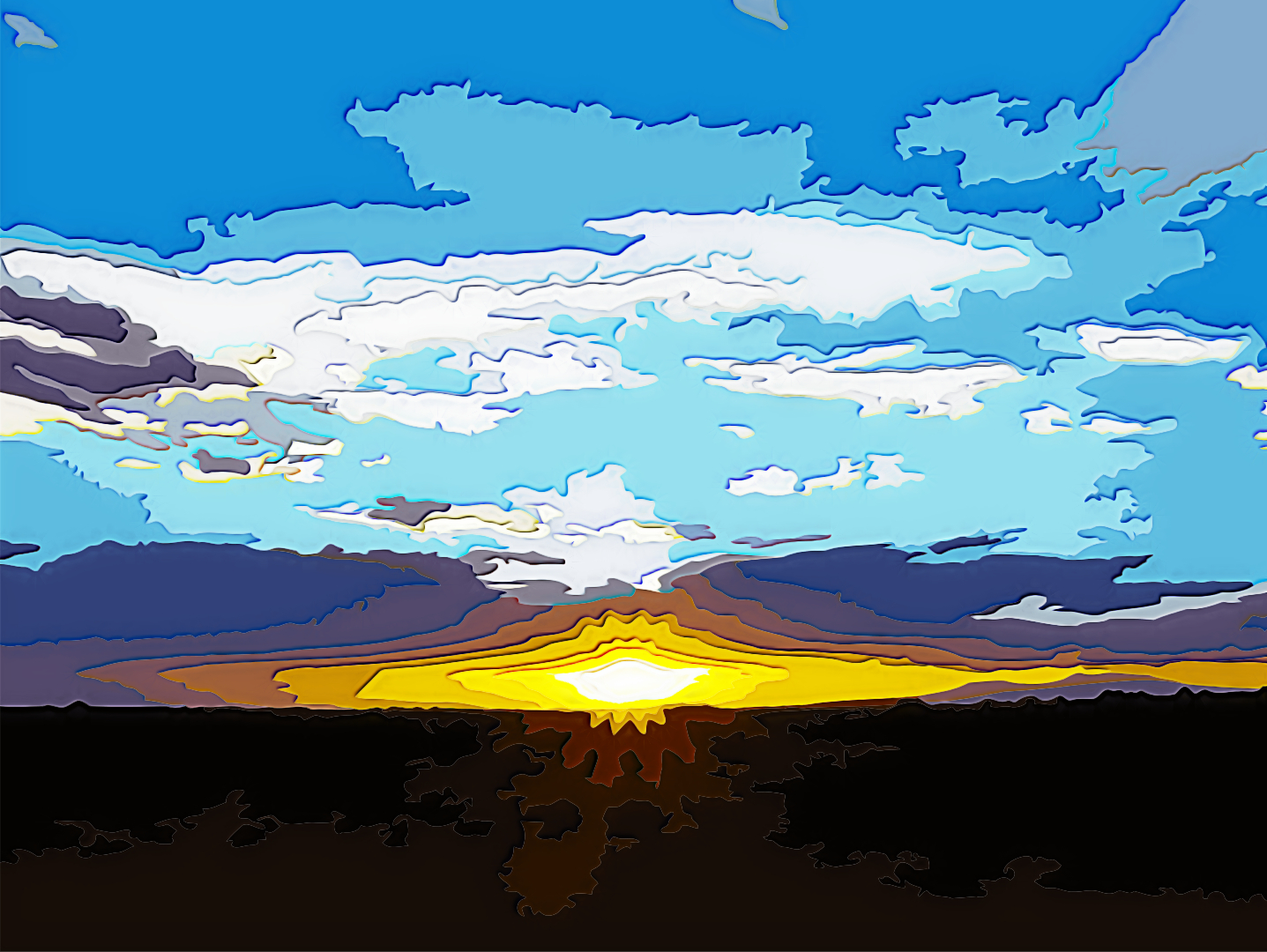
New version for Graphic Boost:
new default
changes in merging modes
added "SWAP layers" option for merging
 Graphic Boost
 by
PhotoComiX, on Flickr
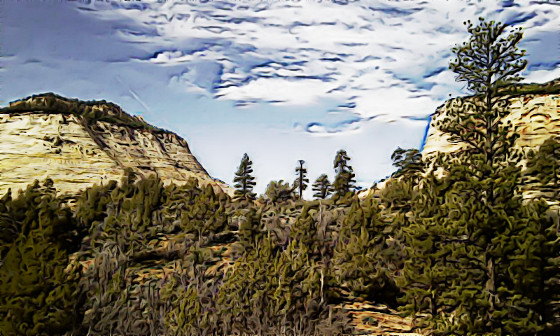
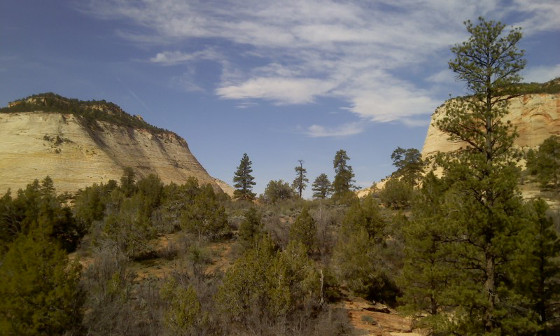
I planned the filter mainly for painting or illustration effects, often quite dramatic but they may be faded over the original for less extrem results
HOW TO USEThe filter is modular here what each module does
 Graphic Boost - controls
 by
PhotoComiX, on Flickr
1° is for pre sharpen the original (more exactly a virtual copy of the original)
It uses a variant of unsharp mask that may enhance and darken the outlines
 Size =
 control the radius of the blurring using unsharp
Higher the value more intense the sharpening...and more chance to have color shift or create noise
Darken = control the intensity of the darkening ...too high values may create too thick and jaggy outlines
2° 
this create a duplicate of the sharpened original and apply a filter, the gmic BW pencil
If you don't know that filter..is similar to a " Artistic" variant of a edge detection filter
controls are the same used in that filter
Size = the size of the pencil, the thickness of his line
Usually are not needed to high values, very low values can be a good start
Amplitude = harder to define the effect even if is strong, also here the most useful range is usually
between very low (not 0 ,but close) and low values
3° (optional)
This allow to smooth the pencil layer,
use GREYCstoration aka Anisotropic Smoothing:
will smooth the image but following the image structure and respecting the edges.
Control
Activate Pencil Smoother = activate or disactivate all other controls of this modulo
Pencil Smoother Sharpness = Set the treashould for the egdes to be respected
what below that values would be smoothed
Pencil Smoother Edge Protection = "Anisotropy" would be more correct, apply the blur following the image structure
Higher the values more the blur is forced to follow the image structure
Pencil Smoother Smootness = The quantity of blur, higher the values more intense the blur
The smoothing is only applied to the "pencil" layer and even with dramatic setting will not blur the original
4°
It is to chose how merge the 2 layers
SWAP layers position = Swap the position of the 2 "virtual" layers before merging
this change the effect of the Merging Option and of the Intensity slider:
at 100% Intensity (= Opacity ) a few modes give same result even with swapped layers,
but when opacity is lowered using the Intensity slider, the layer position become ALWAYS relavant, and "SWAP" may give a dramatic change
Chose Merging = to chose the merging mode
Intensity = basically correspond to the opacity slider for merging mode
Lowering from 100% will fade the effect on the original OR on the effect layer (to change what in the BG use SWAP )
5° optional
option for a final smoothing
The command are identical to 3° MODULO but the effect is now applied to the combination
#########################################################################
below (or here
http://pastebin.com/AU0ehMvE ) the code
(for How To use see
viewtopic.php?f=9&t=978 )
########################################################################
#@gimp Graphic_Boost : gimp_boost1, gimp_boost1(0)
#@gimp : sep = separator ()
#@gimp : note = note("Unsharp Mask controls")
#@gimp : Radius = float(1.25,0,20)
#@gimp : Darken = float(1.50,0,10)
#@gimp : sep = separator()
#@gimp : note = note("BW_Pencil Controls")
#@gimp : Pencil Size = float(0.15,0,4)
#@gimp : Pencil Amplitude = float(14,0,200)
#@gimp : sep = separator ()
#@gimp : Activate "Pencil Smoother" = bool(false)
#@gimp : note = note(" If unchecked the 3 sliders below are disabled ")
#@gimp : Pencil Smoother Sharpness = float(0.5,0,2)
#@gimp : Pencil Smoother Edge Protection = float(0.45,0,1)
#@gimp : Pencil Smoother Smoothness = float (0.78,0,10)
#@gimp : sep = separator ()
#@gimp : note = note("Merging Options")
#@gimp : SWAP layers = bool (True)
#@gimp : note = note (""Swap" change the effect of Merging and Intesity")
#@gimp : Merging Option = choice( Hard Light, Multiply,Color Burn ,Overlay ,Value, Darken ,Stamp )
#@gimp : Intensity = float(1,0,1)
#@gimp : sep = separator ()
#@gimp : Add Painter's Touch = bool(true)
#@gimp : note = note("If unchecked the 3 sliders below are disabled")
#@gimp : sep = separator ()
#@gimp : Painter's Touch Sharpness = float(0.5,0,2)
#@gimp : Painter's Edge Protection Flow = float(0.45,0,1)
#@gimp : Painter's Smoothness =float(0.78,0,10)
#@gimp : sep = separator(), note = note("<small>Author : <i>PhotoComiX</i>. Last update : <i>2011/1/10 </i>.</small>")
#@gimp : note = link("Filter explained here","http://www.gimpchat.com/viewtopic.php?f=9&t=775")
gimp_boost1 :
-repeat @# -l[$>] -split_opacity -l[0]
-gimp_unsharp 1,$1,30,3,0,$2,0.40,1,0,0,0
--gimp_pencilbw $3,$4,0,0,0
-if {$5==0} -gimp_do_nothing[1] -elif {$5==1} -gimp_anisotropic_smoothing[1] 60,$6,$7,$8,1.1,0.8,30,2,0,1,1,0,1,0 -endif
-if {$9==0} -gimp_do_nothing -elif {$9==1} -reverse[-1,-2] -endif
# Hard Light, Multiply,Color Burn ,Overlay ,Value, Darken ,Stamp )
-if {$10==0} -gimp_compose_hardlight[1,0] $11
-elif {$10==1} -gimp_compose_multiply[1,0] $11
-elif {$10==2} -gimp_compose_colorburn[1,0] $11
-elif {$10==3} -gimp_compose_overlay[1,0] $11
-elif {$10==4} -gimp_compose_value[1,0] $11
-elif {$10==5} -gimp_compose_darken[1,0] $11
-elif {$10==6} -gimp_compose_stamp[1,0] $11 -endif
-if {$12==0} -gimp_do_nothing -elif {$12==1} -gimp_anisotropic_smoothing 60,$13,$14,$15,1.1,0.8,30,2,0,1,1,0,1,0 -endif
-endl -a c -endl -done
################################################################################
 Login
Login Register
 Tweets
 FAQ
FAQ Advanced Search